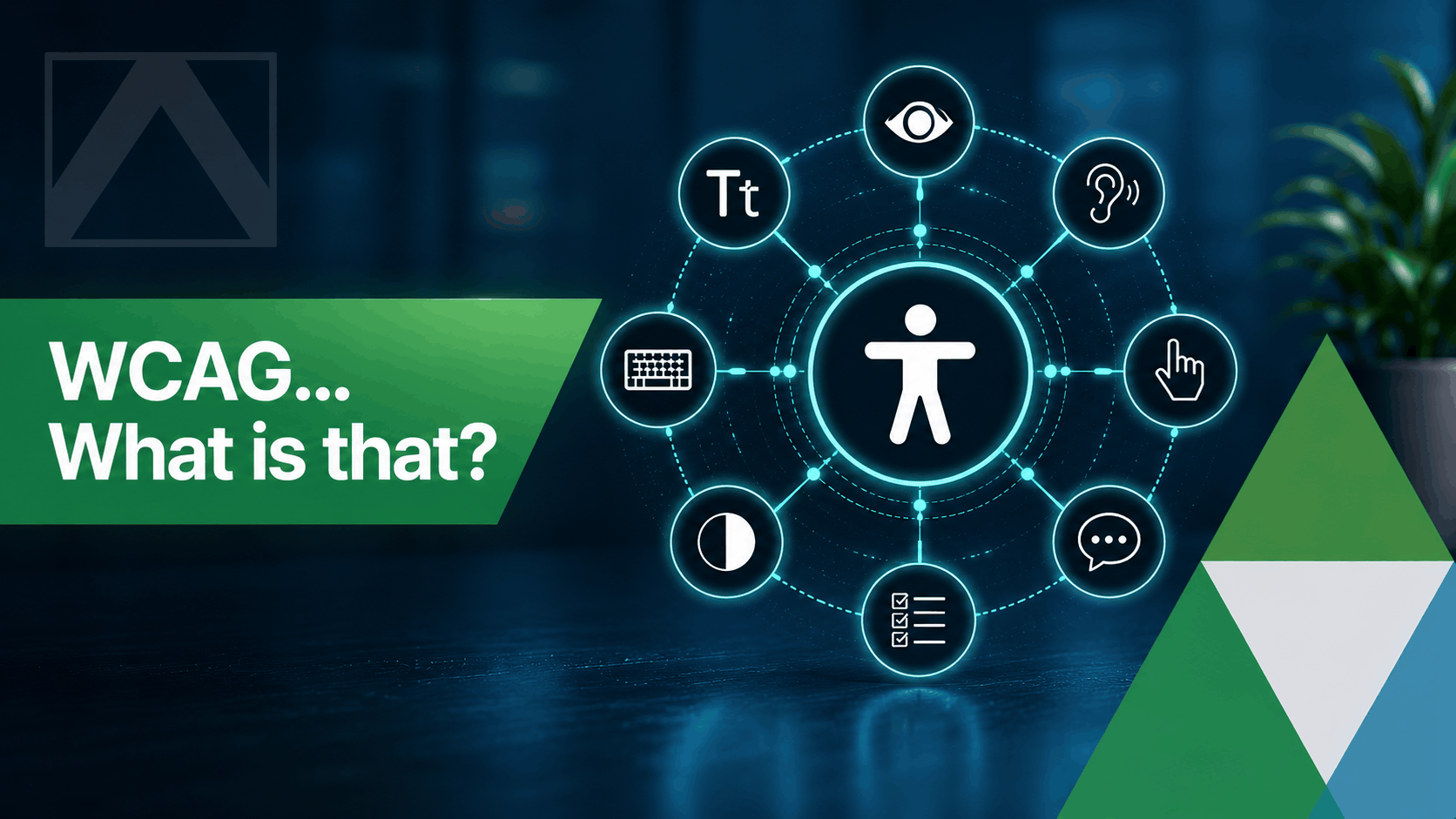
A good accessibility checklist helps teams catch common usability issues before they affect real users.
Website accessibility is often viewed as a technical requirement, but at its core it's about creating a better experience for everyone. An accessible website is easier to navigate, easier to understand, and more inclusive for people using different devices, assistive technologies, or browsing methods.
Following a website accessibility checklist can help identify issues early, improve usability, and support compliance with recognised standards such as WCAG. Even small improvements can make a meaningful difference to how visitors interact with your website.
A Practical Accessibility Checklist
If you're reviewing an existing website or planning a new one, these are some of the most important areas to check:
- Use clear heading structure that follows a logical hierarchy.
- Provide descriptive alt text for meaningful images.
- Check colour contrast for text, buttons, and interface elements.
- Ensure forms have clear labels and helpful validation messages.
- Make navigation fully usable with a keyboard.
- Use descriptive link text rather than generic phrases such as 'click here'.
- Avoid placing important information only within images.
- Ensure text remains readable when users zoom their browser.
- Provide clear page titles and descriptive headings.
- Test key user journeys using both keyboard and screen reader navigation where possible.
Why Accessibility Benefits Every User
Many accessibility improvements also improve the overall user experience. Better heading structures make content easier to scan, clearer forms reduce frustration, and improved contrast helps readability across different devices and environments.
Accessible website design can also support search engine optimisation, improve engagement, and increase conversion rates by making information easier to find and understand.
Accessibility Should Be Part of Every Website Project
The best results come when accessibility is considered from the beginning rather than added later. Whether you're redesigning an existing website or launching a new platform, incorporating accessibility into design, content, and development decisions creates a stronger experience for all users.
At CoreTechnics, we regularly help organisations improve accessibility, usability, performance, and overall website quality. A structured WCAG checklist can often reveal straightforward improvements that make websites more inclusive while supporting broader business goals.